
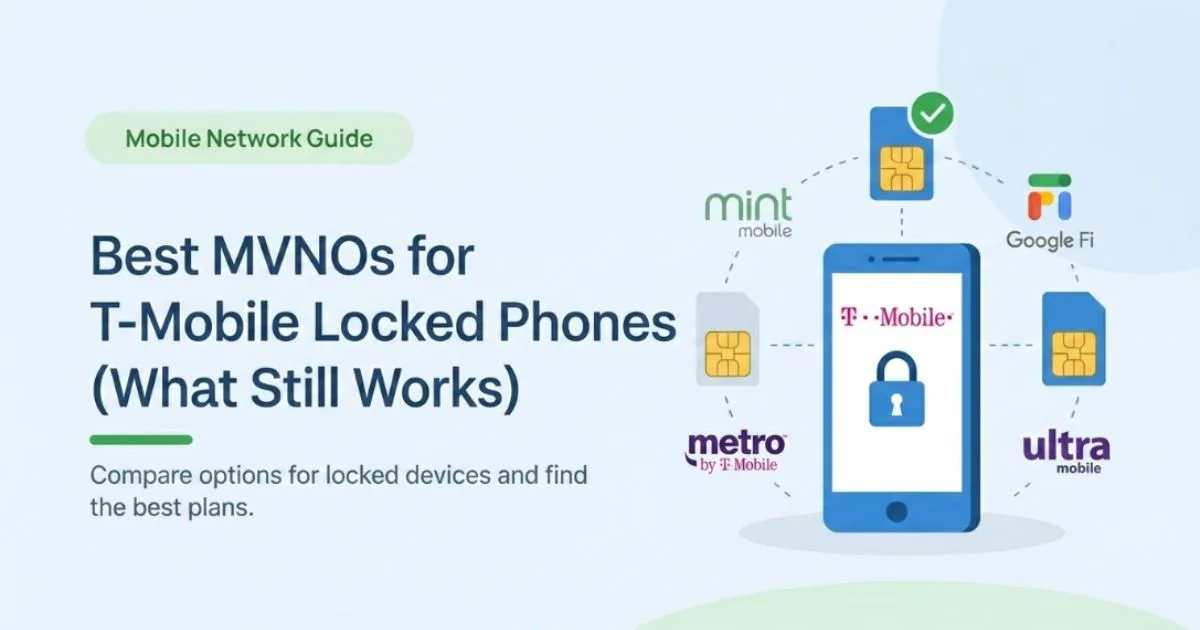
T‑Mobile Locked Phone MVNO: What Actually Works in 2026
You probably landed here because you have a T‑Mobile‑locked phone mvno, you want a cheaper plan, and every blog keeps saying “just use a T‑Mobile MVNO like Mint or Tello.” But when you try the SIM, nothing works and support gives you vague answers. This guide is written exactly for that stuck moment. By the end, you’ll know which carriers actually still work with a locked T‑Mobile phone in 2026, which ones no longer do, and the step‑by‑step path if you decide to unlock and switch properly.
The confusing part is that old advice is now wrong. For years, people used T‑Mobile‑locked phones on MVNOs like Mint Mobile without trouble. In 2025, T‑Mobile quietly closed that loophole, so a lot of Reddit threads, older YouTube videos, and blog posts are now outdated and misleading.
On our site we focus on practical tech and AI‑friendly guides for students and young professionals, so this walkthrough is built for you: simple language, clear steps, zero fluff, and real options you can use today. We’ll talk about the only “MVNO‑ish” options that still work with locked phones, the exact unlock rules T‑Mobile uses, and how to check compatibility before you spend a dollar. And if you’re wondering whether Mint, Google Fi, or US Mobile are still on the table we’ll cover that head‑on in the comparison section.
What “T-Mobile Locked Phone MVNO” Really Means in 2026
Let’s translate the jargon first. An MVNO (Mobile Virtual Network Operator) is a smaller carrier that rents network access from a big carrier like T-Mobile, then sells its own plans—think Mint Mobile or Google Fi using T-Mobile’s towers. A “T‑Mobile‑locked” phone is a device that is software‑restricted to work only on T‑Mobile’s own network until certain conditions are met, like paying off the phone or using it for a minimum number of days.
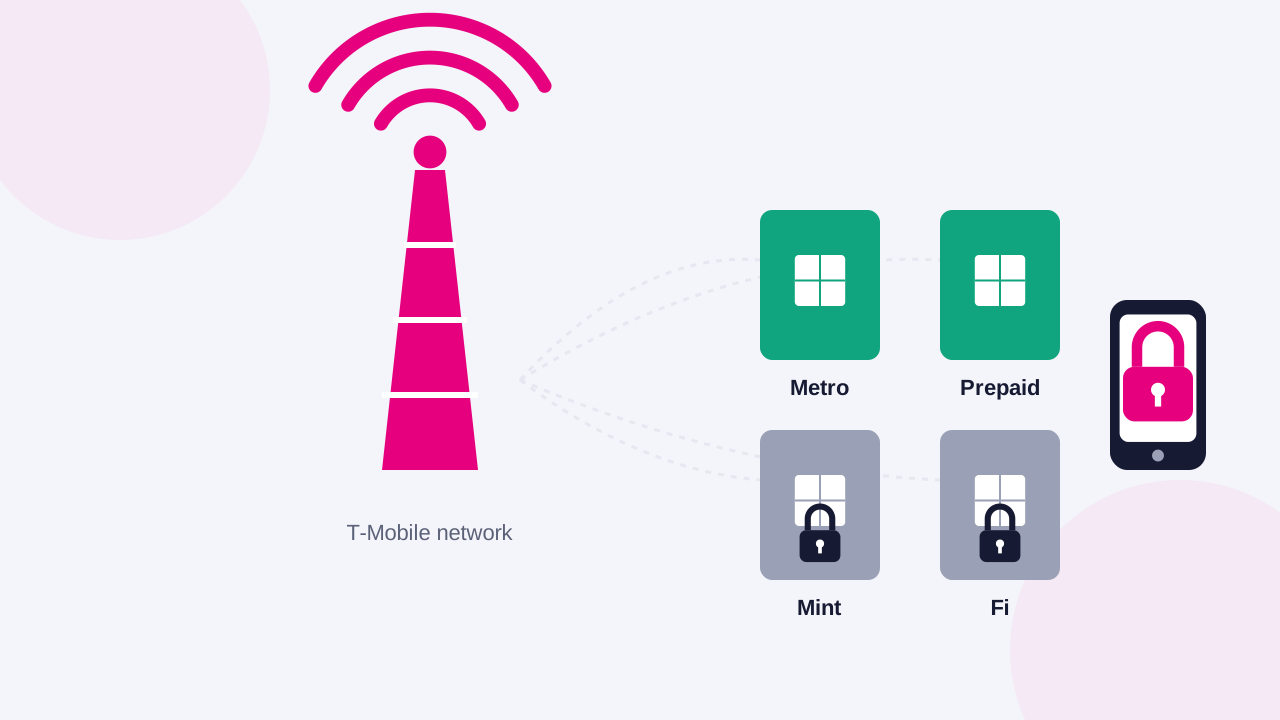
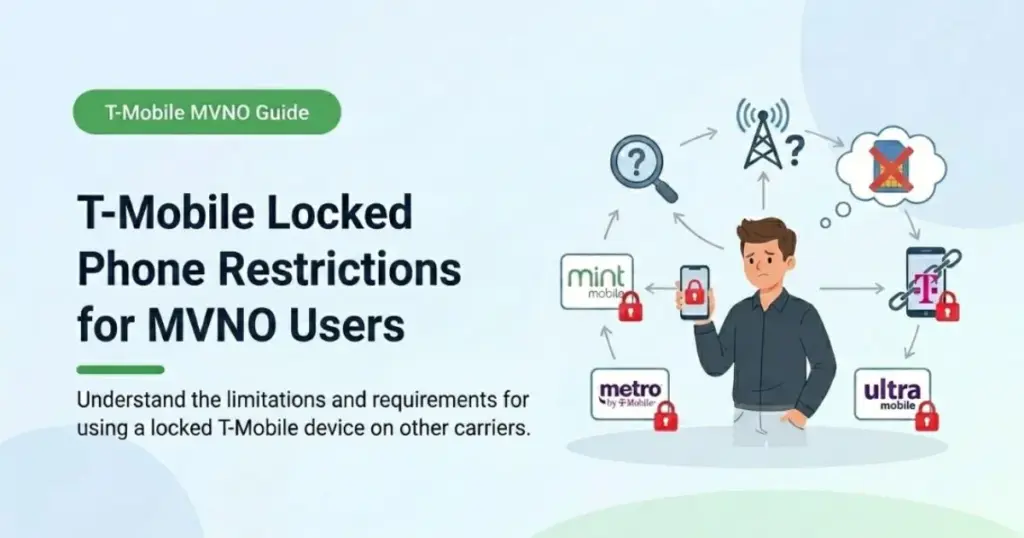
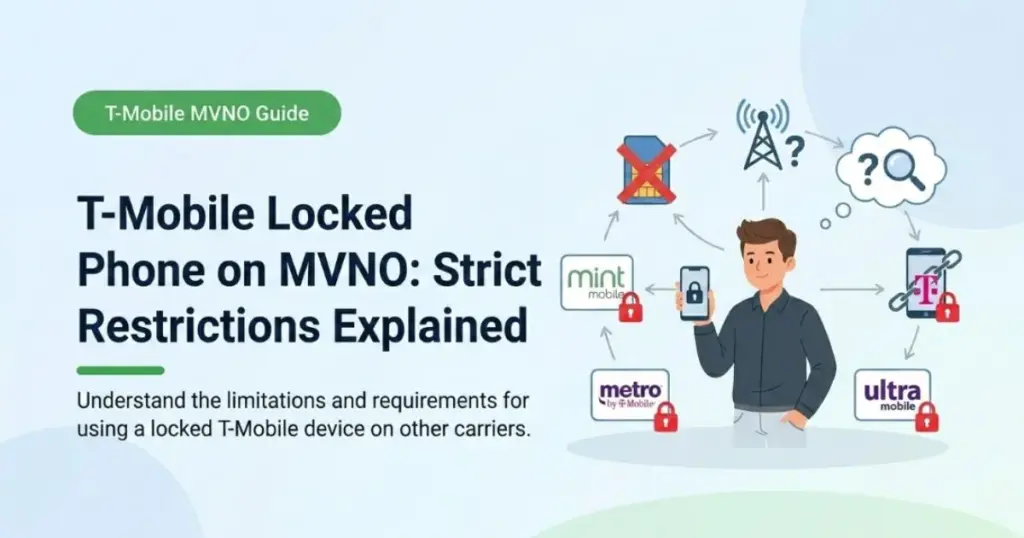
For a long time, if your phone was locked to T‑Mobile, you could still pop in a Mint or Tello SIM and it usually worked, because those MVNOs ran on the same underlying network. That changed in 2025 when T-Mobile updated its activation policy and separated network codes so that locked phones would work only on T-Mobile and Metro, not on third-party MVNOs. In everyday language: if your phone is still locked, your “cheap MVNO” options got massively reduced.
This matters right now because many 18-25 year-olds are still on device payment plans or family plans and want to cut monthly costs without buying a new phone. Carriers like Google Fi and Mint look perfect on paper—$25–$35 unlimited plans—but a locked device will simply refuse to activate on them in 2026. A detail many people miss is that T‑Mobile now uses a specific Mobile Network Code (MNC 240) for MVNO traffic and reserves its original code (260) for T‑Mobile and Metro; Locked phones are effectively tied to that main code.
We’ll dig into exactly which “MVNO‑ish” options still work with locked devices—mainly T‑Mobile Prepaid and Metro—and when it’s actually smarter to unlock and move to a true MVNO like Mint, US Mobile, or Google Fi. If you stick with me, you’ll also see a simple decision path: stay locked and switch to a cheaper T‑Mobile‑run brand, or unlock and open up the full MVNO universe.
Who This Is For and Who Should Skip It
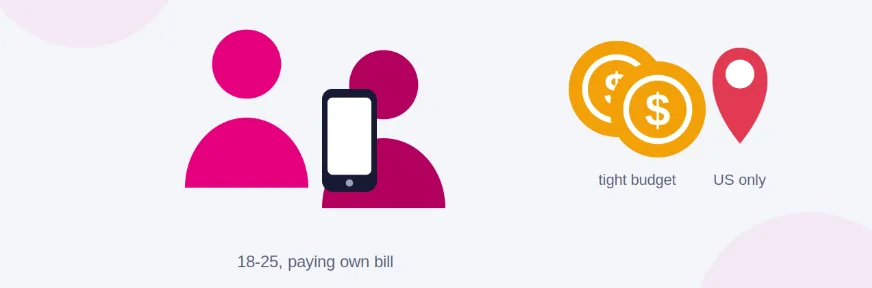
This guide is for one very specific kind of reader: you have a phone currently locked to T‑Mobile in the US, or to a T‑Mobile‑branded service like Metro, and you’re trying to reduce your monthly bill without buying a new device. You might be on a payment plan, on a family account you’re about to leave, or using a subsidized phone from a promo. If that’s you, you’re in the right place.
It’s especially useful if you’re in the 18–25 range, paying your own phone bill for the first time, and staring at ads for Mint, Google Fi, and US Mobile wondering why they’re so cheap. You’re tech‑comfortable but you don’t want to read carrier legal pages or policy PDFs for fun. You need a “tell me exactly what works with a locked phone in 2026, and what doesn’t” explanation.
This article is also for people who have heard conflicting information in Discord servers, Reddit threads, or from store reps. Maybe someone told you, “Just get a Mint SIM, it’s on T‑Mobile.” Another person said, “No, T‑Mobile blocked that now.” Both were right at different times; after mid‑2025, the older advice is simply outdated.
Who should skip this? If your phone is already fully unlocked (you can use SIMs from AT&T, Verizon, etc., without issues), you don’t have to worry about T‑Mobile’s locked‑device rules—you can use almost any compatible T‑Mobile‑based MVNO after a quick IMEI check. Also, if you’re not in the US at all, this specific policy doesn’t apply; Carriers in Canada and elsewhere have different unlocking rules and MVNO structures. If you’re holding a still‑locked T‑Mobile phone and want the cheapest safe path without breaking anything, this guide is written for you.
How It Actually Works Complete Process
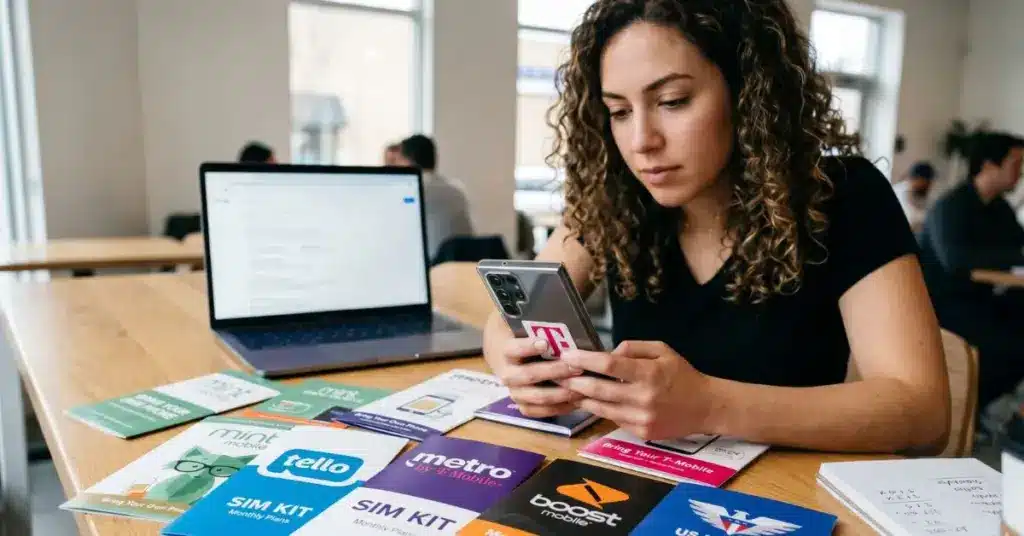
Let’s walk through the real‑world process you’ll go through with a T‑Mobile‑locked phone in 2026 if you want MVNO‑style savings. When you actually try this, you’ll notice quickly that the “just swap SIMs” trick isn’t enough anymore.

Step 1: Confirm whether your phone is truly locked
First, don’t assume—check. On iPhone, head to Settings → General → About and look at Carrier Lock; if it says “SIM locked” or shows a T‑Mobile‑specific restriction, it’s locked. On Android, you can try another carrier’s SIM or check within the T-Mobile app for “Device Unlock” status. If a non‑T‑Mobile SIM gives you an error or no service, that’s your confirmation.
Step 2: Understand T-Mobile’s current unlock rules
T‑Mobile has clear, but strict, unlock conditions: the device usually must be fully paid off, active on the T‑Mobile network for a set period (typically at least 40 days), and the account must be in good standing. Prepaid devices often need around 365 days of usage unless a special exception is granted. This is the part most guides skip—they tell you “just ask support” but if these boxes aren’t checked, support can’t do much.
Step 3: Decide if you’re staying locked or planning to unlock
At this point, you have two paths: stay locked but still cut your bill, or unlock and move to a true MVNO. If you can’t yet meet the unlock requirements (you still owe money on the device or you’re under the usage minimum), staying locked is your only short-term option. If you’re close to eligibility, it might be smarter to hold off a month or two and then unlock—this opens up far better MVNO choices like Mint, US Mobile, and Google Fi.
Step 4: If staying locked, pick from “T‑Mobile‑run” options
Here’s the core reality: T‑Mobile‑locked phones will not activate on third‑party MVNOs using T‑Mobile’s network anymore. That means carriers like Mint, Tello, or Google Fi are off the table while your phone is locked. The only realistic “MVNO‑ish” options are T‑Mobile Prepaid and Metro by T‑Mobile, since they are essentially first‑party brands that still work with T‑Mobile‑locked devices.
Step 5: If unlocking, follow the official process
Once you confirm your phone is eligible, T‑Mobile typically allows unlocking through the official app, your online account, or by contacting support. Many devices can be remotely unlocked within about two business days after the request. This is the step where people sometimes look for sketchy third‑party services; in 2026, those are unnecessary and risky when the official path works if your account meets the criteria.
Step 6: After unlocking, run an IMEI compatibility check with your target MVNO
Even with an unlocked device, you still need to make sure the phone’s bands and model match the MVNO’s supported list. Most MVNOs have a BYOD or “Check your phone” page where you enter your IMEI before buying a plan. When you actually do this, you’ll find some older or region-specific phones may work but lose certain 5G bands or Wi-Fi calling, which is important if you live in a building with weak signal.
Step 7: Activate and test before porting your main number
The last thing you want is to port your main number and then realize voicemail or data is broken. A simple trick is to get an eSIM or a physical SIM with a new number first, test data speed, hotspot, and calls for a few days, then start the number port. Many modern MVNOs offer instant activation for eSIMs on compatible phones.
The thing almost every beginner guide misses is this: the hard limit is not the MVNO’s will, but T‑Mobile’s lock and network‑code enforcement. All the hacks in the world won’t bypass that in 2026; you either live inside the T‑Mobile/Metro/prepaid ecosystem, or you unlock and then you’re free.
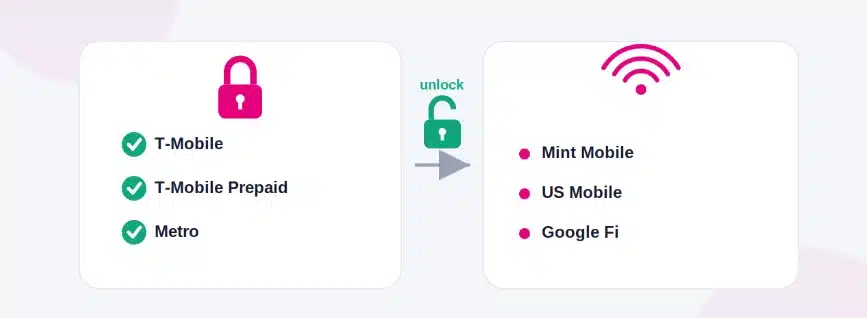
Comparison Table Your Real Options Side by Side
Below is a focused comparison of the realistic options around a T‑Mobile‑locked phone in 2026, plus one key unlocked‑only MVNO so you can see what you’re trading off.
| Name/Option | Key Feature | Best For | Limitation | Verdict |
| Stay on T‑Mobile (postpaid or existing plan) | Full feature set, no changes needed | People mid‑contract, want zero friction | Higher monthly cost, no savings, still locked | Safe but expensive holding pattern |
| Switch to T‑Mobile Prepaid | Uses same network, works with locked devices | Students wanting lower cost without unlocking | Fewer perks, may lose some postpaid benefits | Good “partial savings” while locked |
| Move to Metro by T‑Mobile | Budget pricing, T‑Mobile‑owned brand | Locked-phone users need cheaper unlimited | Still locked into the T‑Mobile ecosystem | Best choice if you must stay locked |
| Unlock then use Mint Mobile | Very low cost T‑Mobile MVNO plans | People able to unlock and pay in advance | Requires unlocked phone, bulk payment up front | Great value once you’re fully unlocked |
In practice, if your phone is still locked and you can’t unlock yet, Metro is usually the best way to drop your bill while staying compatible, especially for heavy data users who want “unlimited‑ish” plans. Once you’re unlocked, you can graduate to something like Mint or another T‑Mobile‑based MVNO that gives you better pricing in exchange for a little prepayment and fewer in‑store support options.
Real Benefits With Numbers and Specifics
When you make a smart move with a T‑Mobile‑locked phone instead of guessing, the benefits show up in both your budget and your daily experience. When you do this, you’ll find that you avoid a lot of “why doesn’t my SIM work” stress.

The most obvious benefit is cost. A typical T‑Mobile postpaid line can run around the high‑$60s range after taxes and fees, especially if you’re not on a big family discount. Metro and T‑Mobile Prepaid can drop that down into roughly the $25–$40 bracket for a single line, often with unlimited talk, text, and a generous high‑speed data cap. Even if you only save $25 per month, that’s $300 per year—money that can go into a savings buffer, gadgets, or course subscriptions.
Another benefit is predictability. Metro and many prepaid options roll taxes into a flat price, so when your bank balance is tight, you know exactly what’s coming out. For students balancing rent, food, and subscriptions, that lack of bill shock honestly matters more than small feature differences.
A benefit most articles ignore is the path control you gain. By understanding T‑Mobile’s unlock rules and planning ahead, you can time your unlock to line up with when your budget improves or when a better MVNO promo drops. Instead of being surprised by “sorry, we can’t unlock this yet,” you already know if you need 40 days more usage, a final payment, or an account fix.
Finally, once you are unlocked and move to a full MVNO like Mint or US Mobile, the total monthly cost can fall into the $20–$30 range for solid plans, especially if you’re okay paying three to twelve months upfront. That’s where the big gains are—but they only arrive if you don’t trip over the locked‑phone limitation first.
Beginner Mistakes Most People Make and the Fix
Mistake 1: Assuming “uses T‑Mobile’s network” means “works with my locked phone”
People see a carrier say “we run on T‑Mobile’s network” and assume their T‑Mobile‑locked phone will just plug‑and‑play. In 2026, that’s no longer true, because T‑Mobile explicitly blocks locked devices from working on third‑party MVNOs using its infrastructure. The fix is simple: if your phone is locked, limit your choices to T‑Mobile, T‑Mobile Prepaid, and Metro until you unlock.
Mistake 2: Buying a Mint/Fi/US Mobile plan before checking lock and IMEI
A lot of people get excited by “$25 unlimited” marketing and buy a plan first, then discover their phone is either locked or missing a key band. The result is wasted money and frustration with support. Always check both: is the phone unlocked, and does the IMEI pass the carrier’s compatibility check, before paying.
Mistake 3: Believing any store rep who says “sure, it will work”
Retail reps vary in knowledge, and they’re often focused on hitting sales targets rather than decoding T‑Mobile’s latest network‑code policy. In practice, this means they might rely on older assumptions that used to be true when MVNO access wasn’t restricted. To avoid this, cross‑check what they say with T‑Mobile’s current SIM unlock policy page and a recent MVNO compatibility checker.
Mistake 4: Trying shady third‑party unlock services too early
When official unlocking isn’t available yet, people sometimes rush to unofficial unlocking sites, risking scams or blacklisted devices. T‑Mobile has an official unlock process and may automatically unlock eligible devices within about two business days once conditions are met. The fix: only consider third-party options if the device is clearly not eligible and you fully understand the risks; for most students, waiting until you meet the criteria is the safer, smarter play.
Mistake 5: Ignoring prepaid and Metro as “not real MVNOs”
Because tech forums hype independent MVNOs, many users overlook Metro or T‑Mobile Prepaid as boring. But in a locked‑phone situation, these are often the only realistic ways to cut your bill without buying new hardware. The fix is to treat them as step‑one savings while you work towards an unlock, not as a permanent life sentence.
Mistake 6: Porting your main number before testing the network
A subtle mistake: people port their main number on day one, only to discover coverage dead zones in their apartment or campus area. Even if everything is technically compatible, real-world performance can vary a lot. The fix is to test with a temporary number via eSIM or a second SIM for a few days, then port once you’re confident.
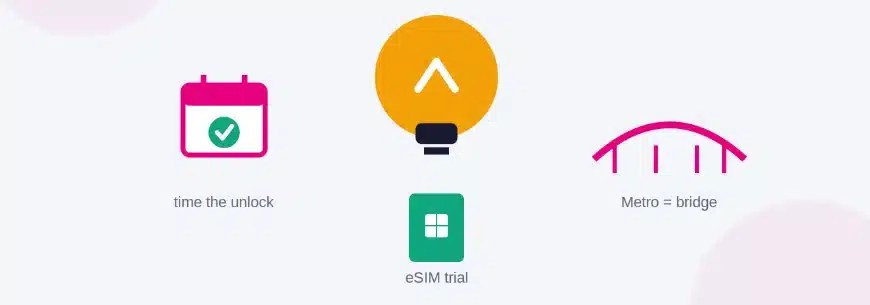
Expert Tips That Actually Work
Tip 1: Use T-Mobile’s unlock timer to plan your MVNO move
If you’re close to the 40‑day usage mark or finishing device payments, set a reminder. T‑Mobile often auto‑unlocks or allows unlocking soon after eligibility is met. When you time your MVNO switch around that date, you can jump straight to better pricing instead of bouncing between plans.
Tip 2: Treat Metro as a “bridge carrier,” not your final stop
For many locked‑phone users, Metro is the best short‑term landing spot: compatible with locked devices, lower prices than postpaid, and similar coverage. Think of it as a bridge you cross while you’re waiting for unlock eligibility or saving for a new phone, not necessarily your forever carrier.
Tip 3: Always check for student discounts or autopay deals
Even within T‑Mobile and Metro, there are occasional promotions, student offers, or autopay discounts that shave a few dollars off per month. Over a year, that’s not trivial when you’re a student. Sign up for autopay and paperless billing if you’re comfortable; it often gets you the “headline” price you see in ads.
Tip 4: Don’t ignore data priority and hotspot limits
A cheap plan that deprioritizes your data heavily can be miserable on a crowded campus or in a city center. Some MVNOs cap hotspot data at 20 GB or less even on “unlimited” plans. Check for terms like “premium data,” hotspot limits, and video throttling before assuming all unlimited plans are equal.
Tip 5: If you use 2FA and banking apps, test them after switching
One thing people don’t expect: switching SIMs can mess with certain banking apps, 2FA codes, or messaging setups, especially if you also switch iMessage or RCS settings. In practice this means you might be locked out of a login right when you need it. After activating a new carrier, quickly test SMS codes for your main services while you still have fallback access.
Tip 6: Consider an eSIM line as a low‑risk trial
If your phone supports eSIM and you’re already unlocked, adding an eSIM line from an MVNO lets you test coverage and speeds while keeping your T‑Mobile line as backup. Many MVNOs now support instant eSIM activation. This is a great way to try “risky-cheap” plans without fully committing.
Tip 7: If the signal is weak indoors, ask about Wi‑Fi calling support before switching
Some MVNOs don’t implement Wi-Fi calling as cleanly as the main carrier, which can matter a lot if your apartment or dorm has poor signal. Check their support docs or FAQs for Wi‑Fi calling support on your specific phone model; this is something you only notice missing once you move in.
Tip 8: Keep screenshots of your eligibility and unlock status
Occasionally, policies change or reps misread your status. Keeping screenshots of your unlock eligibility page or account good‑standing can speed up support calls. It’s a small step that can save a lot of arguing if something doesn’t update correctly on their end.
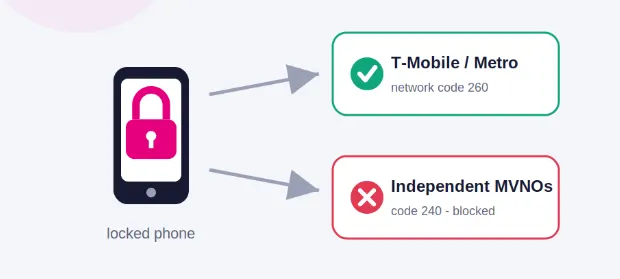
Advanced Insights What Nobody Else Tells You
Insight 1: The network‑code change is the real gatekeeper
Most blog posts talk about “policy changes,” but the deeper shift is that T‑Mobile separated network codes (MNCs) so that locked phones authenticate only on their own brands. Once that technical gate moved, the old trick of using locked devices on independent MVNOs basically died overnight. That’s why you see so many mixed reports from 2024 vs 2025 and later.
Insight 2: Unlock policy is designed to keep you just long enough
When you read T‑Mobile’s unlock policy carefully, the requirements—40 days of active service, complete payment, account in good standing—aren’t random. They’re tuned to recoup device subsidies and keep customers long enough to cover acquisition costs. Understanding that framing helps you plan: once you cross that threshold, they’re far more relaxed about you leaving.
Insight 3: MVNO “savings” depend on your data habits more than you think
Some people switch to an MVNO and see almost no savings because they overbuy premium unlimited data they don’t actually use. Others drop to a modest data plan and cut their bill in half. Looking at your actual monthly data usage inside the T-Mobile app for a couple of months gives you real numbers so you can choose a right-sized MVNO plan instead of guessing.
Insight 4: The smartest move is often “do nothing…yet”
There are situations where the optimal play is not an instant switch. If you’re three weeks from unlock eligibility or one payment away from paying off the device, jumping to Metro or another plan right now can actually cost you more over 12 months. Sometimes, the best tactic is to mark the unlock date on your calendar, keep your current plan stable, and then execute a clean jump to a well‑researched MVNO with full compatibility.
Frequently Asked Questions
You can check in your phone settings, in the T‑Mobile app, or by inserting a SIM from another carrier. On many phones, the T‑Mobile app has a “Device Unlock” or “Check device unlock status” option that tells you if the phone is eligible to be unlocked. If another carrier’s SIM doesn’t work and you get a message about SIM restrictions or unsupported network, your phone is still locked.
No. In 2026, T‑Mobile‑locked phones no longer work on third‑party MVNOs like Mint Mobile, even though they share the same underlying network. T‑Mobile updated its activation policy and network codes, closing the loophole that used to allow this. To use Mint, you must first unlock your phone through T-Mobile’s official process.
Yes, in most cases a T‑Mobile‑locked phone will work on Metro by T‑Mobile because Metro is a T‑Mobile‑owned brand using the same primary network code. Many users report that locked devices function on Metro, making it one of the only “cheaper” options for locked phones after T‑Mobile’s 2025 policy changes. Always confirm with Metro or a store before switching, but it’s usually compatible.
As of 2026, independent T‑Mobile‑based MVNOs like Mint, Tello, and Google Fi do not work with T‑Mobile‑locked phones; you need an unlocked device. The main options that still work with locked devices are T‑Mobile’s own brands: T‑Mobile postpaid, T‑Mobile Prepaid, and Metro by T‑Mobile. Think of them as different price tiers within the same ecosystem rather than true external MVNOs.
First, make sure you meet T‑Mobile’s unlock requirements: the device must usually be fully paid off, active for at least 40 days (or more for some prepaid devices), and on an account in good standing. Then, use the T‑Mobile app, your online account, or contact support to request an unlock; Many devices support remote unlocking within about two business days of approval. After that, you can insert an MVNO SIM and run the carrier’s compatibility check.
Some users who previously used locked devices on MVNOs saw service break or new activations fail after T‑Mobile’s 2025 policy and network‑code changes. T‑Mobile tightened enforcement so that locked phones authenticate only on T‑Mobile and its own brands, not on independent MVNOs renting its network. If your service stopped working, you likely hit this change and will need either to return to a T‑Mobile brand or unlock the phone.
For most people, yes, especially if you plan to keep the same phone for a year or more. Unlocking opens up cheaper MVNO options like Mint, US Mobile, and Google Fi, which can save you $20–$40 per month depending on your current plan. Over a year, that can easily outweigh any hassle in meeting the unlock conditions and doing a clean switch.
AT‑Mobile‑locked phone is restricted to T‑Mobile’s network and brands, so you can’t simply use a local Canadian carrier’s SIM while it’s locked. You may still roam with T-Mobile’s own international options, but you won’t get true local MVNO pricing until the device is unlocked. If you travel often, unlocking before a long trip gives you far more flexibility.
Check three things: unlock status, IMEI compatibility, and real-world coverage where you live and study/work. Make sure your phone is unlocked (or that you’re moving to a brand that supports locked devices like Metro), then use the MVNO’s IMEI checker to confirm compatibility. Finally, look up coverage maps and, if possible, test with an eSIM or trial before porting your main number.
Quick Summary Take This Away
If you remember nothing else, remember this: in 2026, a T‑Mobile‑locked phone will not work on independent T‑Mobile MVNOs like Mint or Google Fi, no matter what old blogs or friends say. Your realistic short‑term options are to stay within the T‑Mobile ecosystem—T‑Mobile postpaid, T‑Mobile Prepaid, or Metro by T‑Mobile—or to unlock and then move to a true MVNO.
For students and young professionals, the smartest pattern usually looks like this: if you’re far from unlocking eligibility, shift to Metro or T‑Mobile Prepaid to cut your bill without breaking compatibility. While you do that, track your unlock timeline and any remaining payments. Once you’re eligible, unlock the phone through T‑Mobile’s official process and use IMEI checks to choose an MVNO that fits your real data usage rather than what the ads shout.
From there, you can drop your monthly cost into the $20–$35 range with an unlocked phone on a solid MVNO, and you won’t be stuck wondering why your SIM doesn’t work. If you’re holding a locked T‑Mobile phone right now, your next move is simple: check your unlock status and decide—bridge carrier now, or wait a bit and then switch for real savings.
Conclusion
The whole T‑Mobile‑locked‑phone and MVNO story looks messy from the outside, but once you understand the lock rules and the network‑code change, everything clicks into place. Locked devices are now held inside T‑Mobile’s own brands, and real MVNO freedom comes only after you unlock.
For you as an AI-savvy, budget-conscious student or young pro, that means treating Metro or T-Mobile Prepaid as temporary tools, not forever homes. The real long-term win is an unlocked phone paired with a right-sized MVNO plan that matches how you actually use data.
You don’t have to solve everything today. Start by checking whether you’re already unlock-eligible, decide if a short-term Metro/prepaid hop makes sense, and line up an MVNO plan that fits your usage and coverage needs. Once you take that first small step, you’ll realize you have a lot more control over your phone bill than it feels like right now.




[…] T-Mobile prepaid, and Metro by T-Mobile. Every MVNO that leases T-Mobile’s network — Mint Mobile, Tello, Ultra Mobile, Lyca Mobile, and dozens of others — operates on MNC 240, which your locked […]